 Skip to content
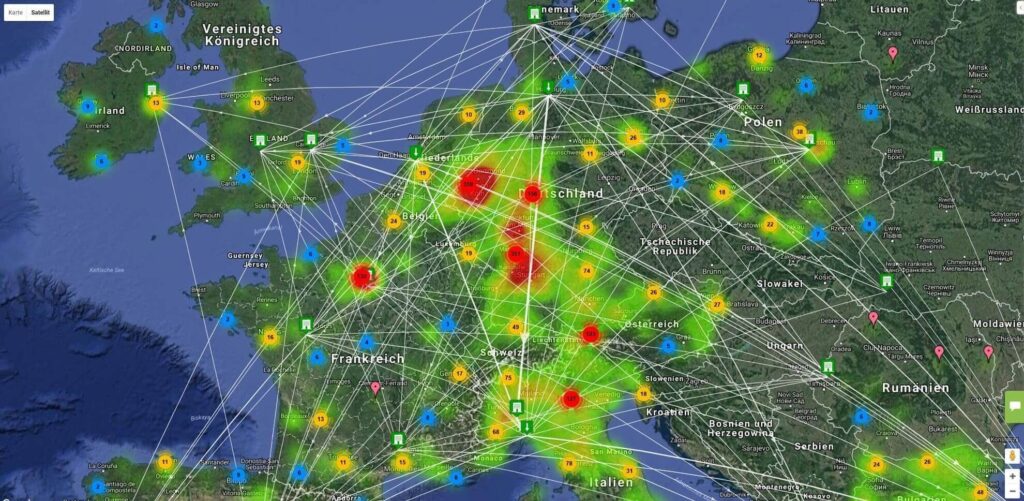
Logistic Network Optimization
General Functionality
FEATURES
Layout Settings: added a new ‘AI Actions’ checkbox that grants an AI model access to the layout — enabling it automatically shares the layout with the AI user with no manual sharing steps required;
AI Actions
FEATURES
AI: added support for triggering flow and cost computations via AI conversation;
AI: compute flows and compute cost tools reuse saved parameter sets per warehouse and campaign, so parameters do not need to be re-entered each time;
AI: added support for calling registered W2MO API endpoints via AI as part of automated workflows — including deleting flows and report recalculation;
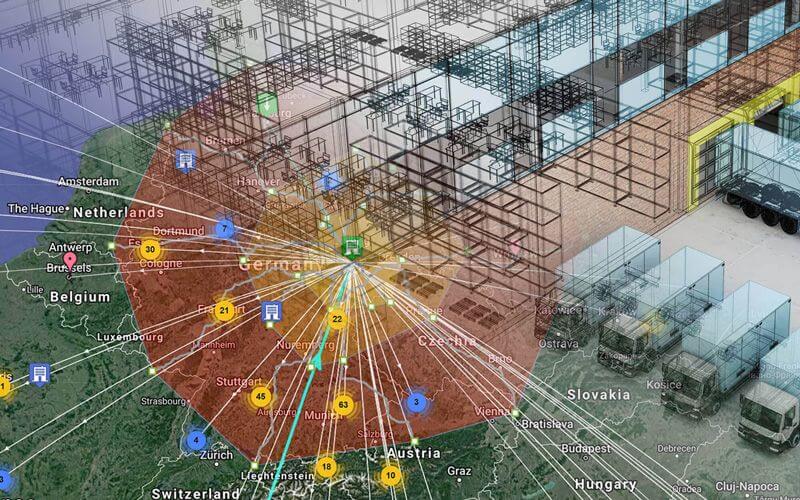
Simulation and Optimization of Warehouses
General Functionality
FEATURES
Layout Settings: added a new ‘AI Actions’ checkbox that grants an AI model access to the warehouse layout — enabling it automatically shares the layout with the AI user with no manual sharing steps required;
Layout selector: layouts with AI Actions enabled are now marked with an AI badge icon;
AI Actions
FEATURES
Layout editor 2D/3D: added an ‘Apply AI’ button that allows the AI to make changes directly in the layout UI — move, clone, and add objects on the canvas;
AI: added support for adding new racks and custom objects via AI conversation;
AI: added support for relocating racks and custom objects via AI conversation; objects can be specified by name, ID, or by selecting them directly on the 2D canvas;
AI: added support for cloning racks and custom objects via AI conversation; objects can be specified by name, ID, or by selecting them directly on the 2D canvas;
AI: added support for triggering labor cost calculations via AI conversation;
AI: added support for triggering load balancing calculations via AI conversation;
AI: labor costs and load balancing tools reuse saved parameter sets per warehouse and campaign, so parameters do not need to be re-entered each time;
AI: added support for calling registered W2MO API endpoints via AI as part of automated workflows — including rack and bin management, stock operations, AMR transport, order management, load balancing, and report recalculation;
AI: added support for creating and updating virtual cameras via AI conversation;
AI: added support for triggering camera planning heatmap computation via AI — two types supported: by virtual camera coverage and by fork height detections for virtual cameras;
вппвпв
вппвпв
Platform
Subscriptions
FEATURES
Subscriptions: added a new ‘AI Actions’ optional add-on that can be enabled per user;
Sign-up form: added an option to select the AI Actions add-on during registration;
MCP Server
FEATURES
MCP Server: W2MO now exposes an MCP (Model Context Protocol) endpoint, allowing Claude, ChatGPT, Gemini, and other AI clients that support MCP to connect to warehouse data;
MCP Server: the AI can query warehouse tables, browse schemas, and retrieve sample rows;
MCP Server: write access is available for AI-managed tables (ai_lv_ prefix) and for tables whitelisted in ‘AI Allowed Tables’; ALTER operations on whitelisted tables are blocked to prevent accidental changes to system data;
MCP Server: the AI operates under a dedicated system user (mcp-ai-user) and is not counted in the total number of users, making all AI actions auditable;
MCP Server: added system prompts with descriptions of key W2MO tables, provided to the AI at session start for better response quality;
MCP Server: added OAuth2 refresh-token support so long sessions stay authenticated without requiring the user to reconnect;
MCP Server: the AI can only access data that the user is permitted to view — no data outside the user’s permissions is exposed;
MCP Server: search and table-listing responses are now truncated to prevent oversized payloads;
MCP Server: the number of AI-managed tables (ai_lv_ prefix) that can be created is limited to 50 per user;
AI Actions
FEATURES
AI: added support for creating chart definitions via AI conversation; created charts can be opened directly in the data browser;
AI: added support for creating table actions (data browser buttons) directly from AI conversation;
AI: added support for creating custom warehouse tables (ai_lv_ prefix); the AI has full control over tables it created — create, modify, delete, rename, query, and view them in the data browser; after creating a table the AI automatically provides a link to open it in the data browser;
AI: added support for updating campaign-dependent tables via AI when a campaign ID is provided;
AI: when an AI-managed table is renamed, the corresponding data browser entry is updated automatically;
 English
  German